Conversational Learning
That Proves Understanding.
Faculty-authored conversations that adapt to each student and only move forward when understanding holds.

The Principle
Not Just Course-Specific.
Student-Specific.
ILEs personalize to each learner's goals, interests, and what they've already demonstrated, becoming sharper with every conversation they have.
For Students
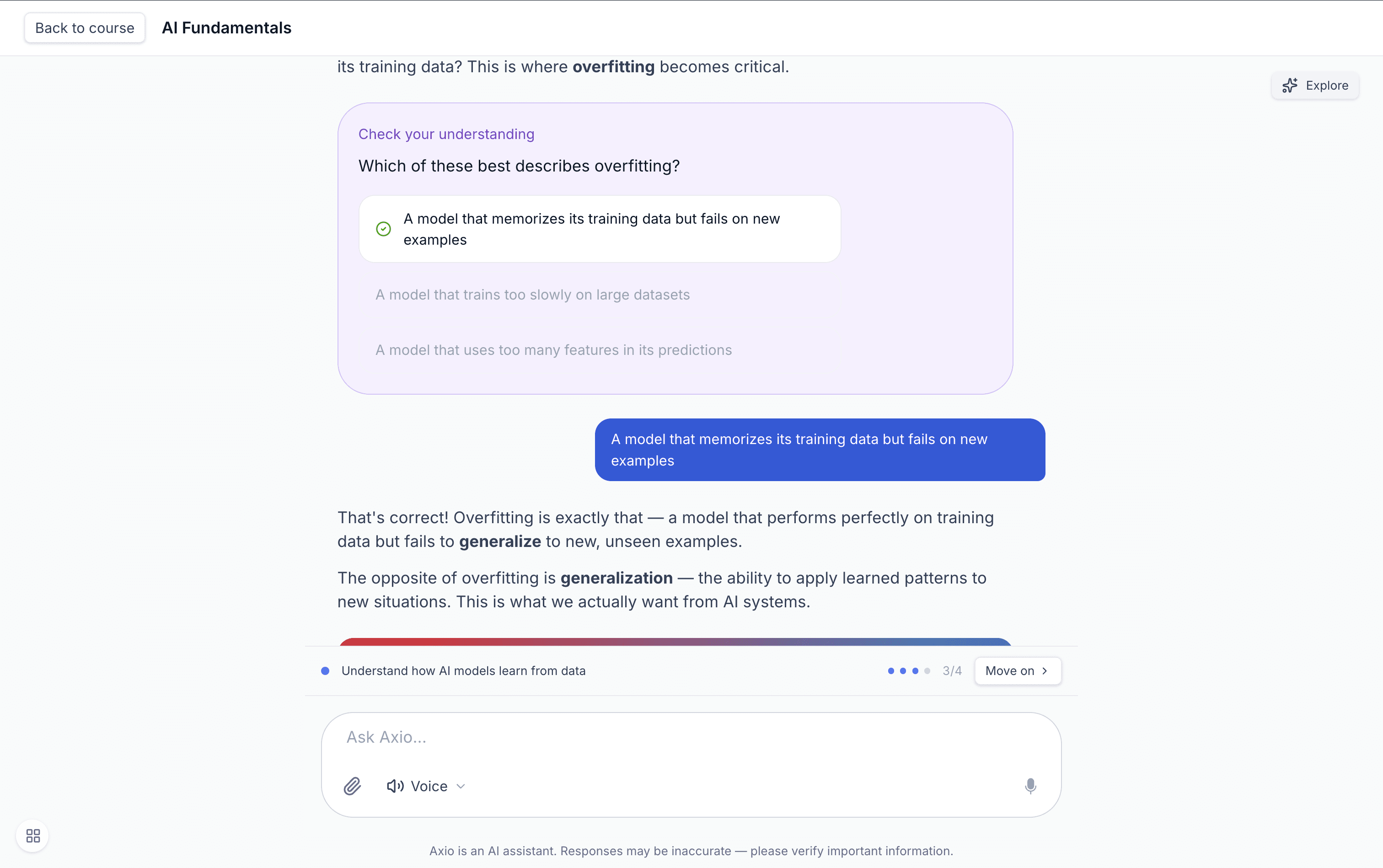
Learning Through Dialogue, Not Lecture.
A conversation tied to an objective. The ILE asks, presses on weak reasoning, validates strong reasoning, and adapts as the student responds. And it speaks the student's language, not just English.
Newton's Laws of Motion
ILELearning objectives
- First law (inertia)0%
- Second law (F = ma)0%
- Third law (action / reaction)0%
For Faculty
Faculty Define the Objectives. Faculty Define the Boundaries.
Set the learning objectives, evaluation criteria, and mastery thresholds. The system runs the conversation you designed, whether faculty-assigned or requested on demand through the Student Course Assistant.
Assignment
Assign to a Class, a Group, or One Student.
Assign an ILE to a whole class, to a small group who need a refresher, or to a single student working through a specific gap.


Personalization
Tuned to the Student in Front of It.
The ILE knows what each student has already demonstrated. Concepts already proven get skipped. Misconceptions already surfaced get watched for.

Assessment Loop
Every Assessment Becomes a Learning Opportunity.
After every Axio assessment, a follow-up ILE is automatically generated to target the questions the student missed. No faculty authoring required.
Visibility
Evidence of Learning, Not Engagement Metrics.
Per-student progress against every objective. Class-level patterns on where students get stuck. Evidence faculty can act on.
Deployment
Designed to Run Wherever Your Courses Live.
In AI-Native Deployments
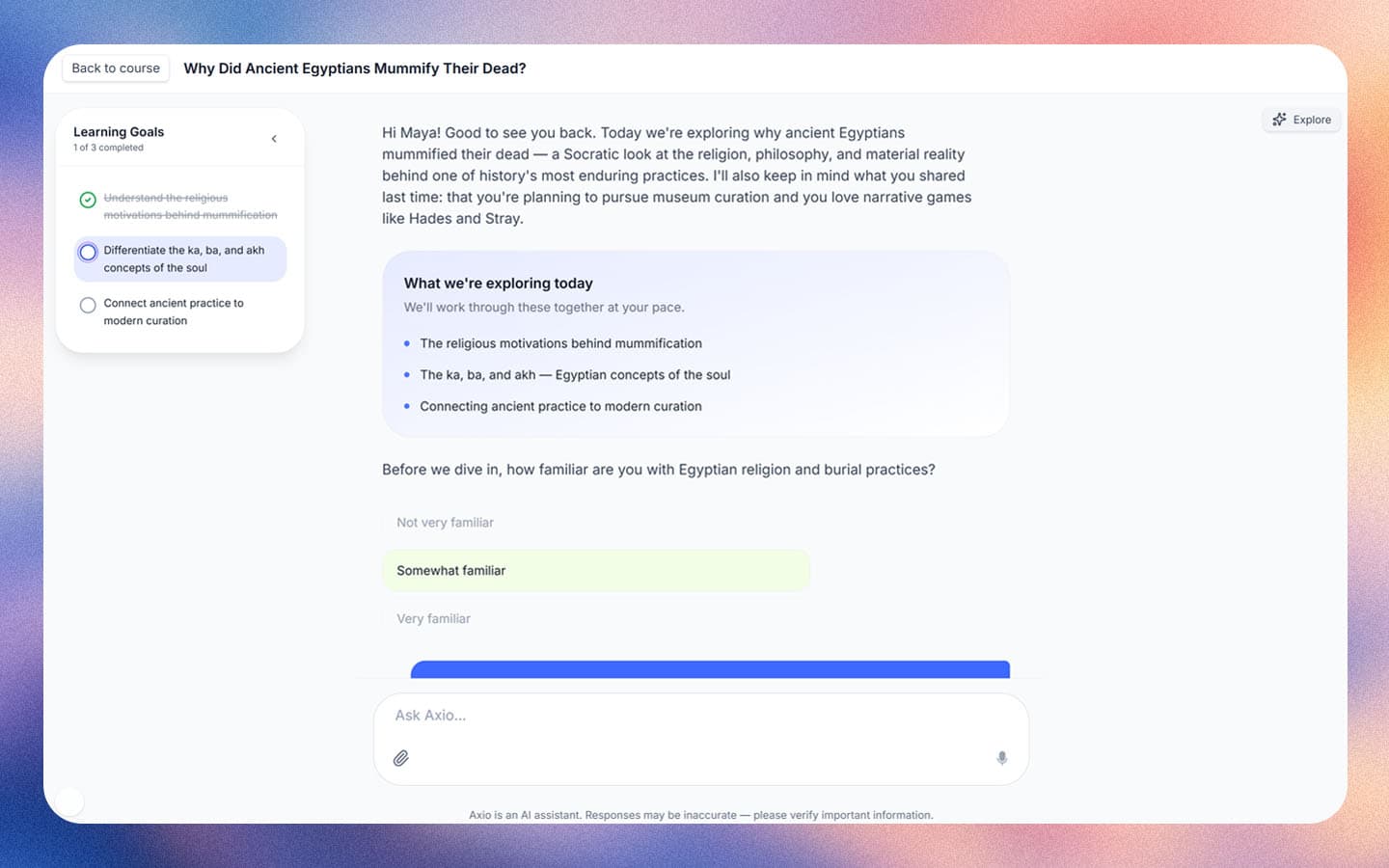
Embedded in the Course
ILEs sit as activity types within Axio courses, alongside readings, assignments, and assessments.
See AI-Native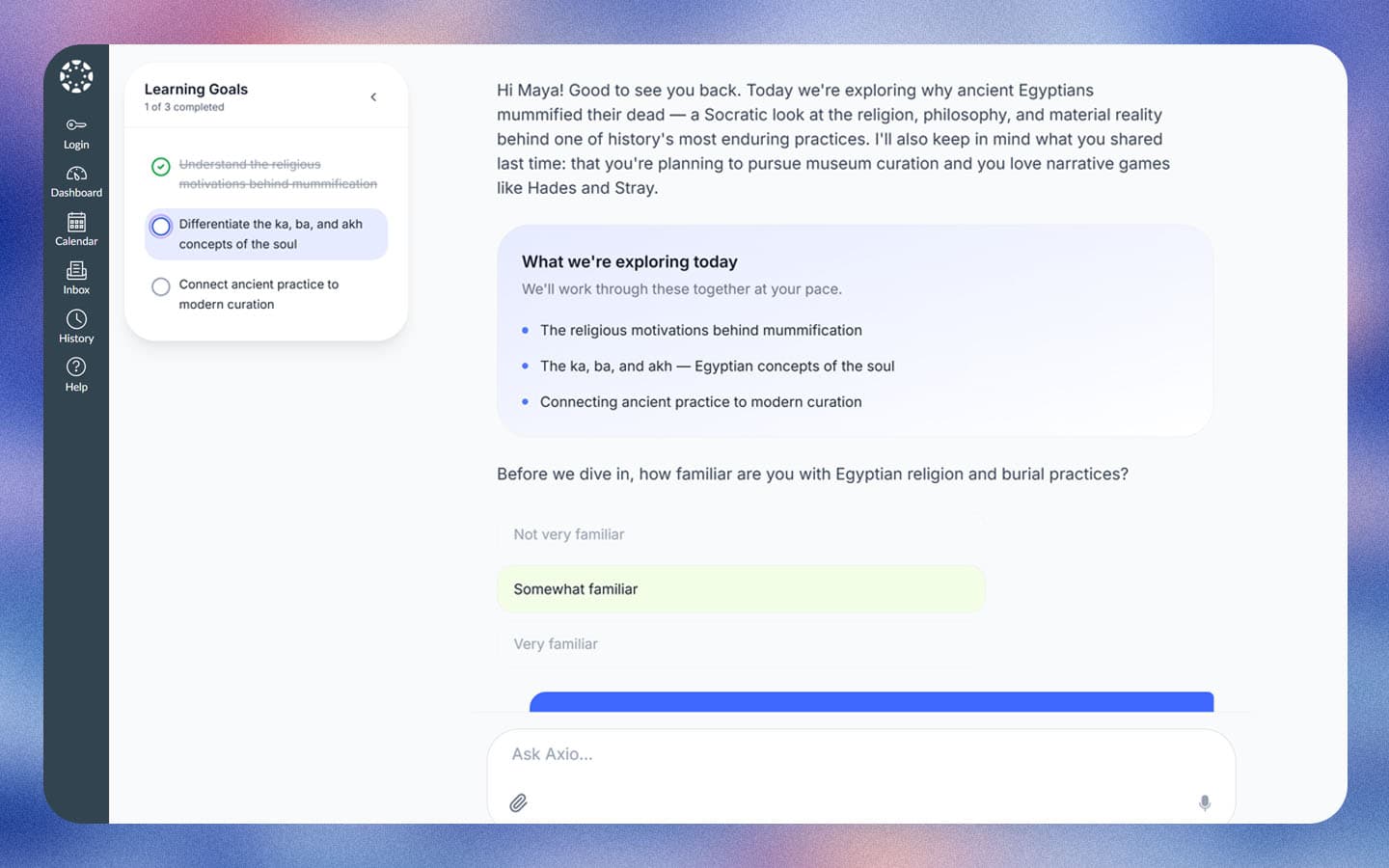
In AI-Augmented Deployments
Standalone or Embedded via LTI
Faculty create standalone ILEs from the dashboard, with shareable links or LTI for embedding into Canvas, Brightspace, or Blackboard. When embedded via LTI, ILE results pass back to the LMS gradebook automatically.
See AI-AugmentedSee an Interactive Learning Experience in Action.
We'll walk you through a sample ILE, show you the authoring side, and discuss how they fit into your courses.